FpsInventoryDbTable Scriptable Object
Overview
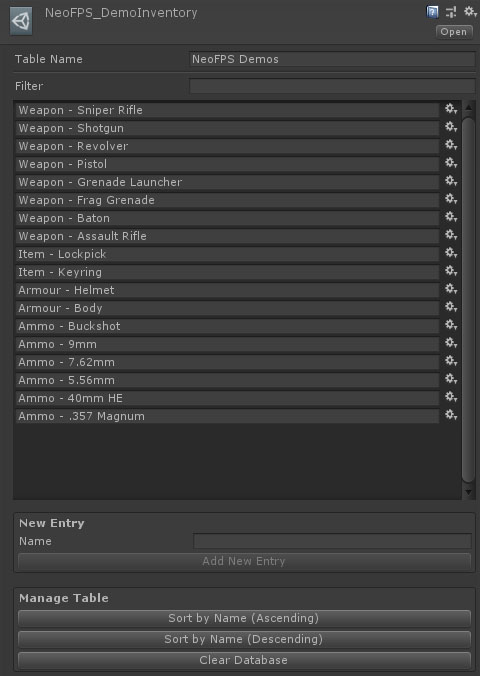
The FpsInventoryDbTable scriptable object contains a list of inventory items and manages their IDs. You can add new items to the inventory database from this object, or directly from the inventory item components themselves.
Inspector
Properties
| Name | Type | Description |
|---|---|---|
| Table Name | String | A unique name for this table, to help differentiate them in the database and key picker. |
The entries table shows each of the current entries in this table. You can click on the options button to the right of each entry for a list of context sensitive options, or you can click on the name to rename the item. Each item uses a unique ID code, so renaming items will not break connections.
You can sort the table using the Sort By Name (Ascending) and Sort By Name (Descending) buttons. You can also quickly clear all items with the Clear All Items button. Any objects that reference that item will show their ID as "Missing: (ID code)".
You can add new items by entering a name in the item name field and hitting the Add Entry button.