Spawning
Overview
The NeoFPS player character should not be added to your scenes directly. Instead is uses a spawner system that allows you to place a number of spawn points around your map. This allows for greater flexibility in game mechanics such as:
- Spawn at one of a number of random locations
- Respawn on death without resetting the scenes
- Activate and deactivate spawn points as you move through a level so that respawning drops you closer to where you died
- Add a UI menu to choose a character on start
- Use multiple spawn points in case your preferred spawn is blocked
To make getting started easy, the SimpleSpawnerAndGameMode prefab contains a spawn point and a simple game mode that handles player spawning on start, as well as respawn on death. You can find this prefab at: Assets\NeoFPS\Samples\SinglePlayer\Prefabs\SimpleSpawnerAndGameMode.prefab
Spawn Points
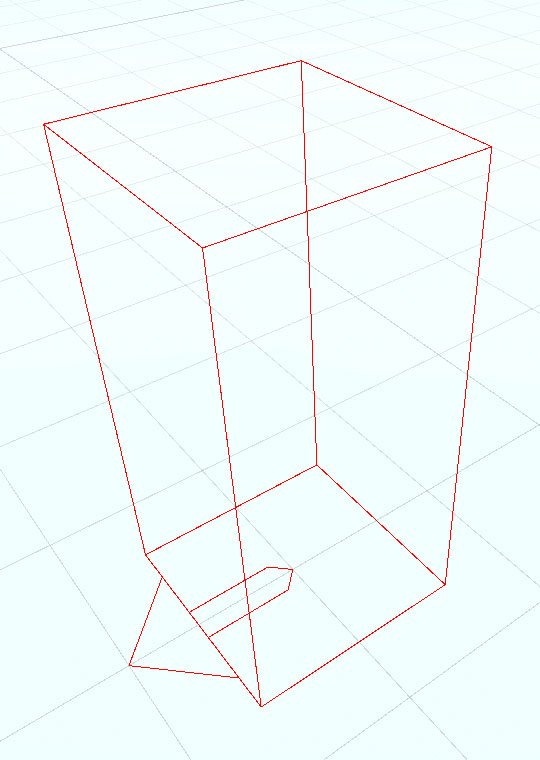
Spawn points are objects that are placed in the scene and positioned as required. By default, they will register themselves with the spawn manager as soon as the object is enabled, and unregister themselves as soon as the object is disabled.
You can also use an OrderedSpawnPointGroup behaviour to enforce a specific order to the registration of your spawn points. This is useful when using the Round-Robin spawn mode which iterates through the spawn points, spawning in order, or the First Valid spawn mode which will iterated through the points in order and spawn at the first one that isn't blocked by an overlapping physics object. To control which is the active spawn mode, you can add a SpawnManager behaviour to an object in your scene.
Prototype Character
The NeoFPS samples also include a spawnerless player character that can be placed directly in your scenes. If the character dies then the scene is reloaded. This character is intended for rapid prototyping, and not for final production games.
You can find the prototype character prefab at the following location: Assets\NeoFPS\Samples\SinglePlayer\Prefabs\PrototypeSpawnerlessCharacter.prefab