ControlledJetpack MotionGraphState
Overview
The ControlledJetpack state adds an upward force to the character while allowing some control over direction.
Inspector
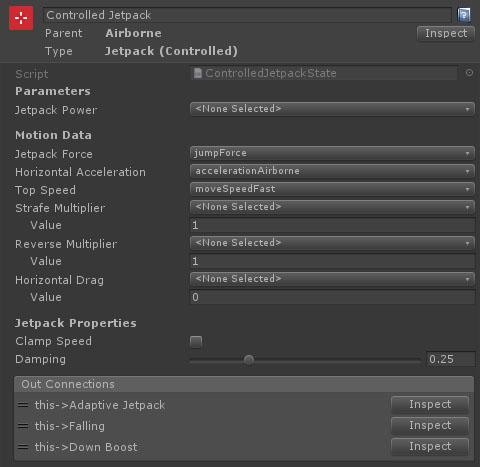
Properties
| Name | Type | Description |
|---|---|---|
| Jetpack Power | FloatParameter | An optional parameter that acts as a multiplier for the jetpack force (0.5 is half power, etc).. |
| Jetpack Force | FloatData | An acceleration force (ignores mass) upwards for the jetpack |
| Horizontal Acceleration | Float Data | The input driven acceleration while falling. This can either be set as a value, or by referencing a float data entry. |
| Top Speed | Float Data | The top horizontal movement speed (for keyboard input or max analog input). This can either be set as a value, or by referencing a float data entry. |
| Strafe Multiplier | Float Data | The multiplier applied to the max movement speed when strafing. This can either be set as a value, or by referencing a float data entry. |
| Reverse Multiplier | Float Data | The multiplier applied to the max movement speed when moving in reverse. This can either be set as a value, or by referencing a float data entry. |
| Clamp Speed | Boolean | Should the speed of the character decelerate to top speed. |
| Damping | Float | The amount of damping to apply when changing direction. |